Aesthetic Fonts & Symbols for Social Media Bios: The Ultimate Guide
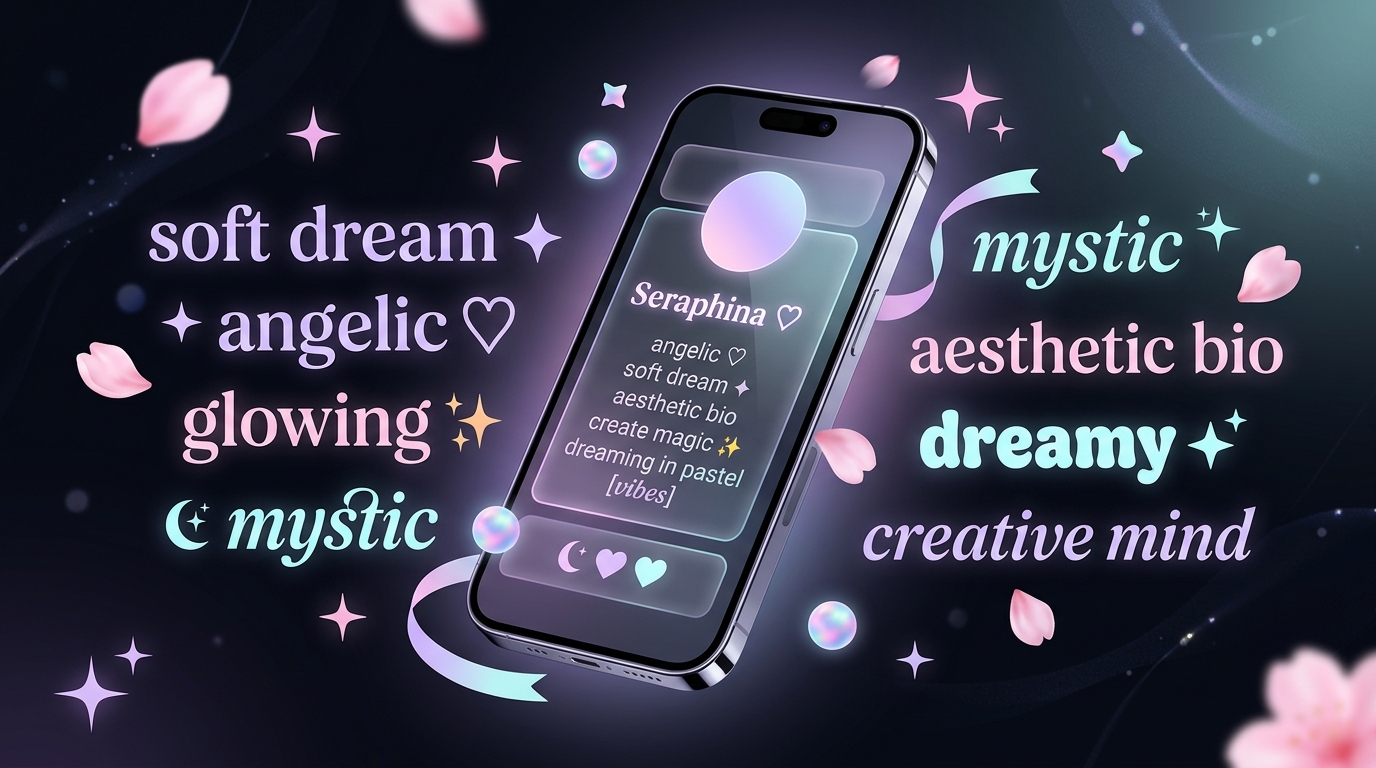
Elevating Your Social Media Bios with Aesthetic Typography
In modern digital spaces—from Instagram and TikTok to Discord and Pinterest—your bio is your digital storefront. Standard system fonts look uniform and utilitarian, failing to capture individual vibe or aesthetic personality. By transforming standard text into eye-catching Unicode letterforms and pairing them with delicate decorative glyphs, your profile makes an immediate visual impression.
Whether you favor soft pastel cottagecore, nostalgic early-2000s Y2K, or high-contrast minimalist typography, knowing how to blend custom fonts with the right symbols gives your account a cohesive, professional polish.
In this comprehensive guide, we explore popular aesthetic font styles, ready-to-copy bio templates, essential symbol combinations, and recommended tools to curate your digital identity.
1. Popular Aesthetic Font Styles for Bios
Unicode character mapping enables standard alphabet characters to render in dozens of artistic styles without installing extra software. Here are the top styles dominating social media profiles today:
| Aesthetic Font Style | Example Preview | Best Aesthetic Vibe |
|---|---|---|
| Cursive Script | 𝒴ℴ𝓊𝓇 𝒩𝒶𝓂ℯ / 𝓨𝓸𝓾𝓻 𝓝𝓪𝓶𝓮 | Coquette, Romantic, Floral, Elegance |
| Small Caps | ʏᴏᴜʀ ɴᴀᴍᴇ | Minimalist, Fashion, Clean Editorial |
| Double Struck | 𝕐𝕠𝕦𝕣 ℕ𝕒𝕞𝕖 | Academic, Studygram, Tech, Modernist |
| Monospace | 𝚈𝚘𝚞𝚛 𝙽𝚊𝚖𝚎 | Coding, Lo-Fi, Minimal, Indie |
| Soft Serif Italic | 𝑌𝑜𝑢𝑟 𝑁𝑎𝑚𝑒 | Poetry, Bookish, Softcore |
| Bubble Text | Ⓨⓞⓤⓡ Ⓝⓐⓜⓔ | Playful, Retro, Kawaii, Y2K |
If you want to quickly convert your custom name or caption into these styles in real time, browse aesthetic fonts and cute symbols at aesthetic.name to preview dozens of artistic weights and curated Unicode combinations with a single click.
2. Curated Aesthetic Bio Templates (Ready to Copy)
Combining decorative symbols, dividers, and custom typography creates a visually structured bio layout. Below are popular templates formatted to fit within Instagram’s 150-character limit:
Template 1: Soft Dreamer & Coquette Vibe
𓆩♡𓆪 𝒻𝒶𝒾𝓇𝓎𝓉𝒶𝓁ℯ𝓈 & 𝓌𝒾𝓈𝒽𝓅ℯ𝓇𝓈
• 📍 𝑐𝑜𝑠𝑚𝑖𝑐 𝑔𝑎𝑟𝑑𝑒𝑛
• 💌 𝑑𝑚𝑠 𝑜𝑝𝑒𝑛 𝑓𝑜𝑟 𝑐𝑜𝑙𝑙𝑎𝑏𝑠
─── ⋆⋅☆⋅⋆ ───
Template 2: Dark Minimalist & Editorial
【 ᴡᴏʀᴋ ɪɴ ꜱɪʟᴇɴᴄᴇ 】
• architect of thoughts
• analog soul in a digital world
• 🔗 my-portfolio.com
Template 3: Y2K Retro Cyber
ᯓ★ 𝟚𝟘𝟘𝟘𝕤 𝕕𝕣𝕖𝕒𝕞 ✦
⚡ 𝑐ℎ𝑎𝑜𝑠 & 𝑐𝑜𝑓𝑓𝑒𝑒
˗ˏˋ 𝑏𝑒 𝑦𝑜𝑢𝑟 𝑜𝑤𝑛 𝑚𝑢𝑠𝑒 ˎˊ˗
3. Essential Aesthetic Symbols for Bios & Captions
Symbols act as focal points that frame your username or separate bullet points in multi-line bios. Decorate your layout and status with cute aesthetic symbols to give every section balanced visual appeal. Furthermore, choosing the right aesthetic symbol for bio setups ensures your profile header looks curated and intentional:
Cute Sparkles & Stars:
✦ ✧ ⋆ 。 ° ✩ ✫ ✬ ✭ ✮ ✯ ✰ ᯓ★ ★彡 ⋆⋅☆⋅⋆
Wing Brackets & Frames:
𓆩♡𓆪 【 】 『 』 〚 〛 ꧁༺ ༻꧂ ☾ ☽ ꒰ ꒱
Floral & Nature Elements:
🌸 🌷 🌺 🌻 🌿 🍃 🍂 🍄 🦋 🕊️ ☁️ 🫧
Aesthetic Line Dividers:
• ───────── ⋆⋅☆⋅⋆ ───────── •
─── ⋆⋅☆⋅⋆ ───
┈┈┈┈┈┈┈┈┈୨୧┈┈┈┈┈┈┈┈┈
For a comprehensive catalog of decorative borders, kaomojis, and category-specific glyphs, exploring curated font and symbol collections provides thousands of ready-to-copy elements designed specifically for modern profile layouts.
4. Best Practices for Profile Readability & Accessibility
While decorative text looks striking, following these guidelines ensures your profile remains readable and functional:
- Keep Critical Information in Standard Text: Screen readers used by visually impaired individuals occasionally spell out Unicode mathematical alphanumeric symbols character-by-character. Use aesthetic fonts for your display name, creative catchphrases, or section titles, but keep business contact info and email addresses in clear standard text.
- Combine with Built-In Formatting: If you are designing for Instagram or Facebook, pair your fonts with our dedicated Instagram Bio Font Generator or our main Stylish Name Generator to test how different characters align with platform search indexing.
- Check Device Rendering: Stick to universally supported Unicode blocks. Highly obscure combining diacritics (like Zalgo or glitch text) can clip outside text containers or render as empty rectangle boxes on older smartphone operating systems.